Here are good links on configuring SSL in WebLogic:
http://wls4mscratch.wordpress.com/category/security/
http://download.oracle.com/docs/cd/E14571_01/web.1111/b32511/setup_config.htm
Wednesday, August 18, 2010

Saturday, August 14, 2010
More on WebService Development using JAX-WS
For new project, I have to build an SOA layer in front of an engine that serves offers. The SOA layer will communicate via webservice as well.
Here's how I did it:
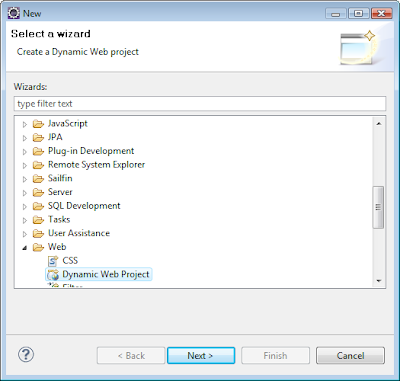
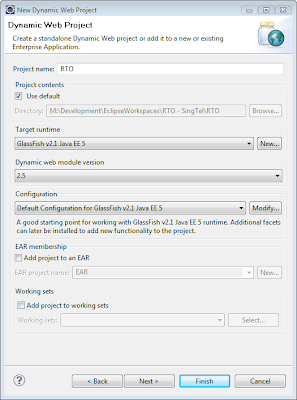
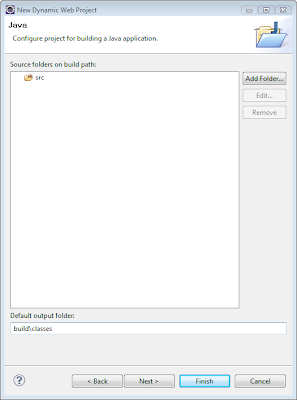
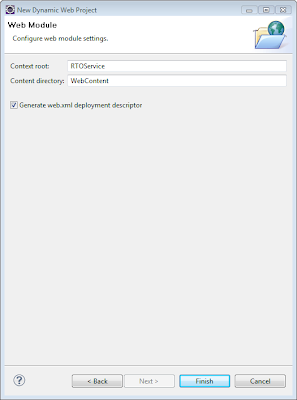
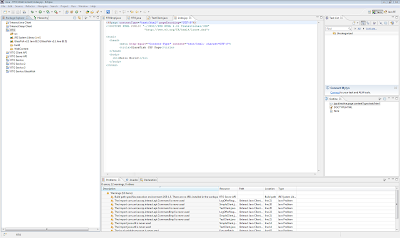
1. In eclipse, create a Dynamic Webcontent Project as a placeholder for the code stubs I am going to generate from my WSDL:
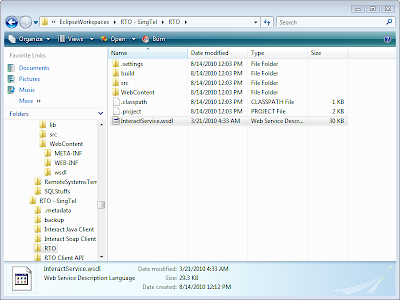
2. Get the WSDL and XSD files of the webservice you need to implement to the root project folder:
InteractService.wsdl
3. Use WSIMPORT to generate the code stubs. Eg. command I used:
"C:\Program Files (x86)\Java\jdk1.6.0_21\bin\wsimport" InteractService.wsdl -s src -d build\classes

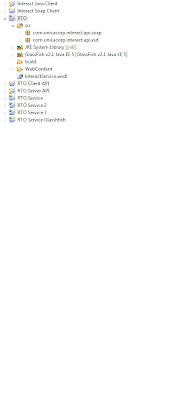
4. Go back to Eclipse and refresh the project and you can see the source files generated:
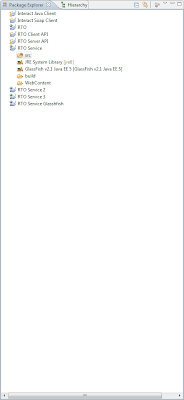
5. In eclipse, create new a Dynamic Webcontent Project for my SOA layer:
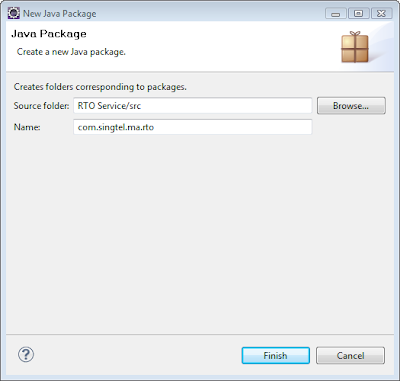
6. Create and empty package for it:
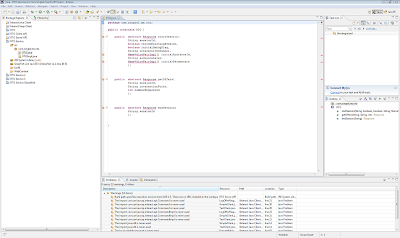
7. Create my interface and implementation classes for the SOA:
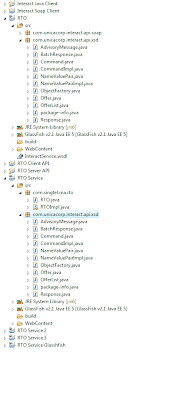
8. Copy the required classes especially those that passes the objects as request and response:
9. Import the right package:
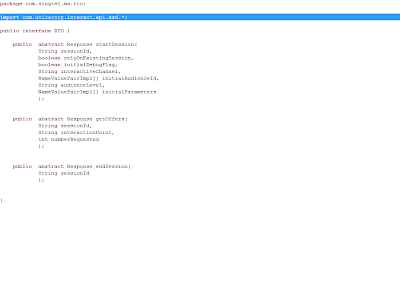
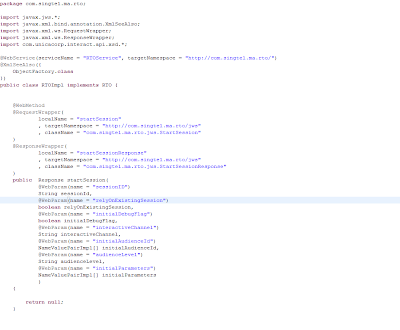
10. Ensure all the annotations are correct:
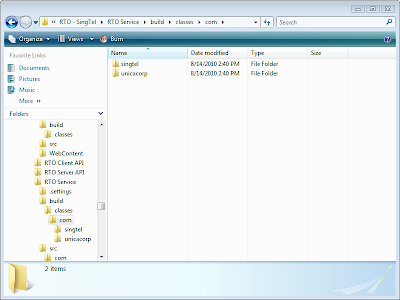
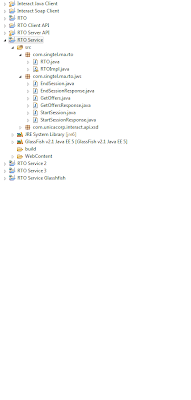
11. Build the project and ensure the classes are generated:
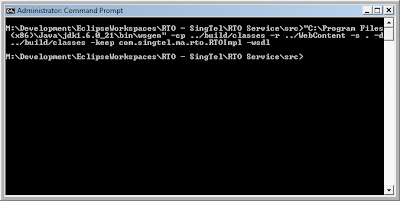
12. Generate the WSDL and artifacts using the following command:
"C:\Program Files (x86)\Java\jdk1.6.0_21\bin\wsgen" -cp ../build/classes -r ../WebContent -s . -d ../build/classes -keep com.singtel.ma.rto.RTOImpl -wsdl
13. Check that the classes are generated:
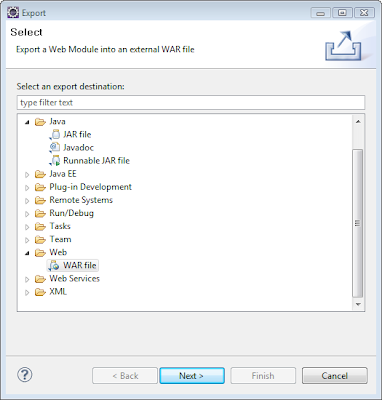
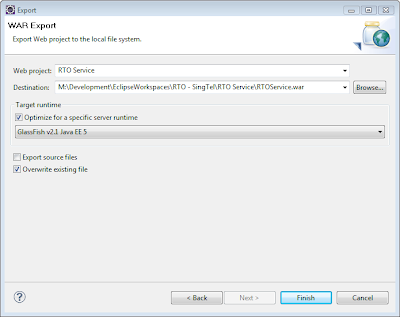
14. Create the war file for deployment:
15. Deploy on Glassfish:
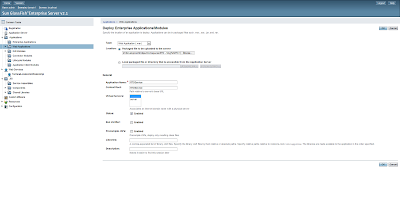
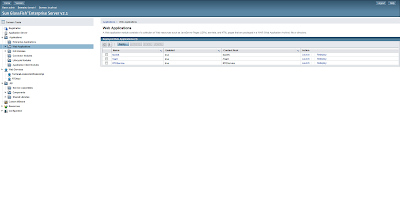
16. Check that the Webservice is registered:
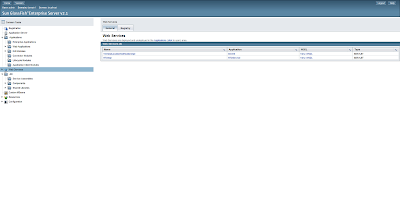
17. And the WSDL can be seen:
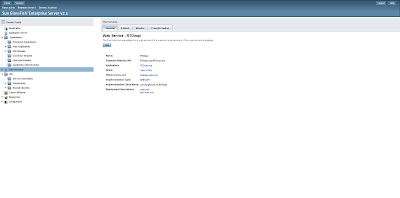
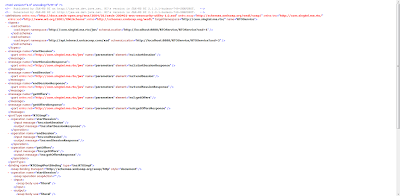
18. And there is a test inteface:

Here's how I did it:
1. In eclipse, create a Dynamic Webcontent Project as a placeholder for the code stubs I am going to generate from my WSDL:


2. Get the WSDL and XSD files of the webservice you need to implement to the root project folder:
InteractService.wsdl

3. Use WSIMPORT to generate the code stubs. Eg. command I used:
"C:\Program Files (x86)\Java\jdk1.6.0_21\bin\wsimport" InteractService.wsdl -s src -d build\classes

4. Go back to Eclipse and refresh the project and you can see the source files generated:

5. In eclipse, create new a Dynamic Webcontent Project for my SOA layer:

6. Create and empty package for it:

7. Create my interface and implementation classes for the SOA:

8. Copy the required classes especially those that passes the objects as request and response:

9. Import the right package:

10. Ensure all the annotations are correct:

11. Build the project and ensure the classes are generated:

12. Generate the WSDL and artifacts using the following command:
"C:\Program Files (x86)\Java\jdk1.6.0_21\bin\wsgen" -cp ../build/classes -r ../WebContent -s . -d ../build/classes -keep com.singtel.ma.rto.RTOImpl -wsdl

13. Check that the classes are generated:

14. Create the war file for deployment:


15. Deploy on Glassfish:


16. Check that the Webservice is registered:

17. And the WSDL can be seen:


18. And there is a test inteface:

Saturday, June 5, 2010
Thursday, November 26, 2009
Wednesday, November 25, 2009
Changing Heap Memory Size in Websphere
Here's how you change the heap memory size in Websphere:
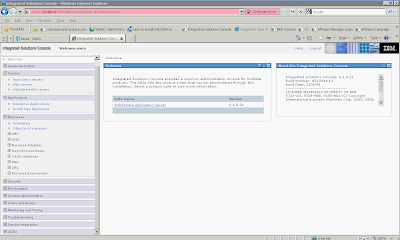
1. Click on Application Server on the LHS:
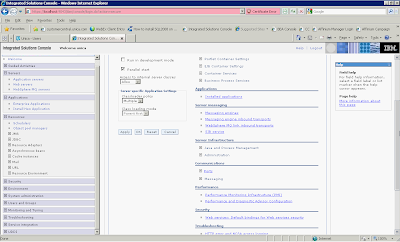
2. Expand Java and Process Management
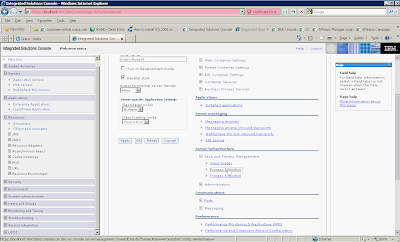
3. Click on Process Management
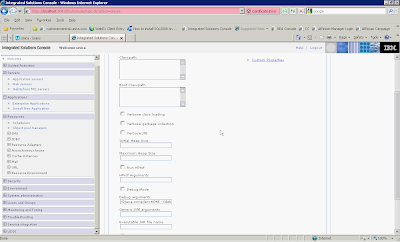
4. Enter the values in Initial Heap Size and Maximum Heap Size
5. Click Apply, save configuration and then restart the app server.
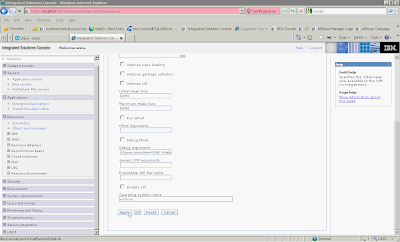
1. Click on Application Server on the LHS:

2. Expand Java and Process Management

3. Click on Process Management

4. Enter the values in Initial Heap Size and Maximum Heap Size

5. Click Apply, save configuration and then restart the app server.

Change Heap Memory Size in Websphere without Admin Console
I've been playing around with Websphere6.1 of late so I thought I should document some of the tasks I've done.
One of problem with Websphere is that if you run out of heap memory, you can't start the appserver including the admin console. You will need to change it manually. Here's how it is done:
1. Go to the profile configuration dir for that node e.g. D:\IBM\WebSphere\AppServer\profiles\AppSrv01\config\cells\matrixNode01Cell\nodes\matrixNode01\servers\server1
If you can't find it, do a search:
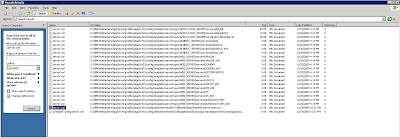
2. Edit the file server.xml and change the setting:
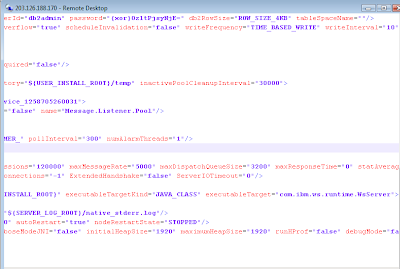
3. Restart the appserver via Windows Services (you can also use the command "startServer server1" in D:\IBM\WebSphere\AppServer\bin)
One of problem with Websphere is that if you run out of heap memory, you can't start the appserver including the admin console. You will need to change it manually. Here's how it is done:
1. Go to the profile configuration dir for that node e.g. D:\IBM\WebSphere\AppServer\profiles\AppSrv01\config\cells\matrixNode01Cell\nodes\matrixNode01\servers\server1
If you can't find it, do a search:

2. Edit the file server.xml and change the setting:

3. Restart the appserver via Windows Services (you can also use the command "startServer server1" in D:\IBM\WebSphere\AppServer\bin)
Thursday, October 29, 2009
Using WSSE with in a Java webservice client
Some webservice requires the client to add WS-Security to the SOAP header for authentication purposes.
E.g.
w900049 abc123 yg3mGu1yG4MvYG5L6PZIJw== 2009-10-26T16:23:36.390Z
12
AA
BB
crmppoc
VLB
A
2008-10-24T11:47:39.105Z
12
33
CDG
2009-11-27T23:00:00
2009-10-12T23:00:00
BOS
Here's one way of doing it by using a message handler:
Using a Message Handler to alter the SOAP Header in a Web Service Client
E.g.
Here's one way of doing it by using a message handler:
Using a Message Handler to alter the SOAP Header in a Web Service Client
Subscribe to:
Posts (Atom)
